PC
CONSOLE
Patch Notes - Update 42.2
PATCH NOTES

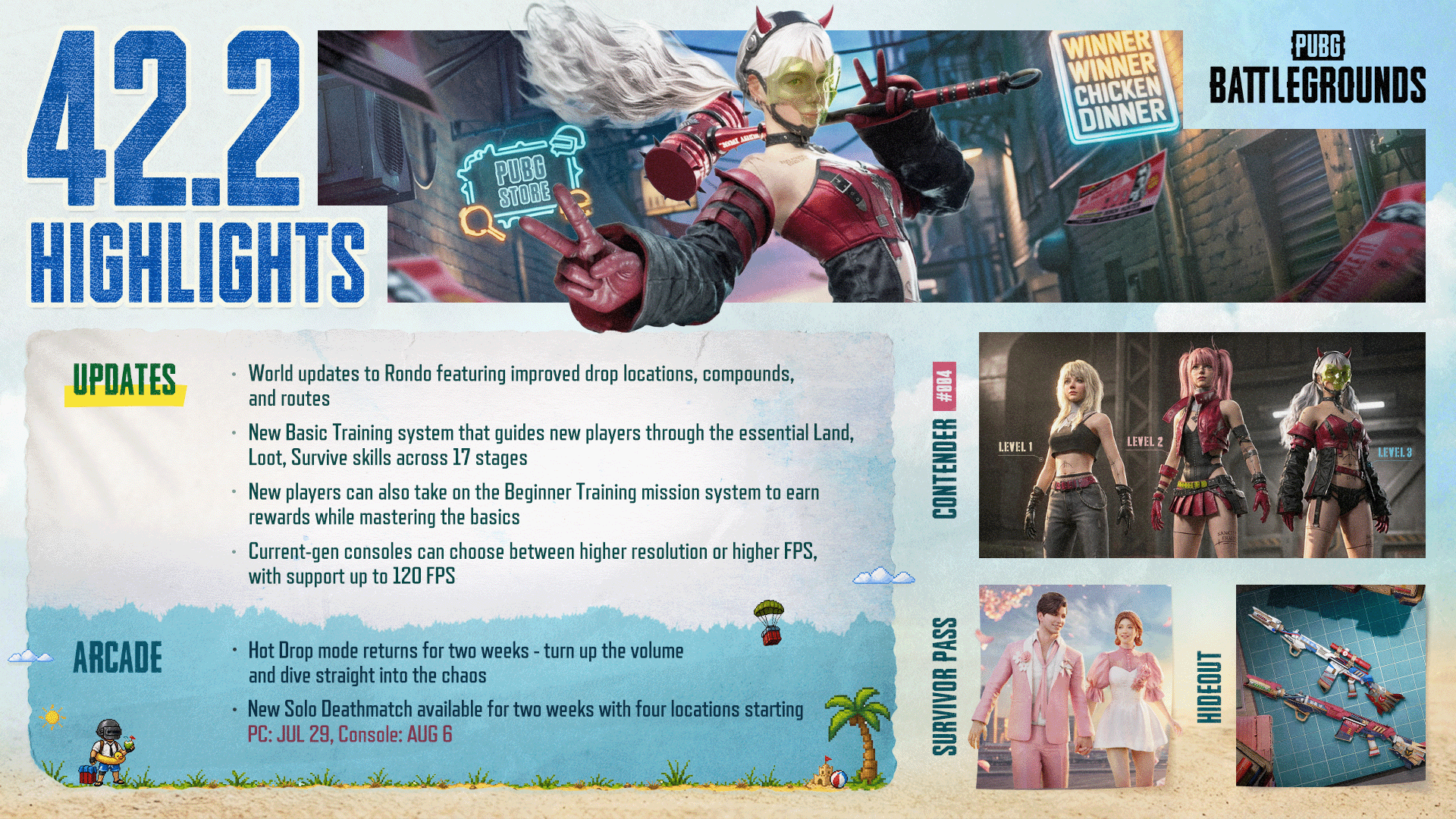
※ The times shown below are subject to change.
PC: 26/7/15 00:00 - 08:30
Console: 26/7/23, 01:00 - 09:00
Check out the Map Service Report - Update 42.2 for the latest info on regional map preferences and rotations!
※ Please note that the features and updates described below are subject to change or removal due to issues such as bugs, in-game problems, and community feedback. The images are intended as visual references only; the actual game may look different as the builds are continually developed and refined before release.
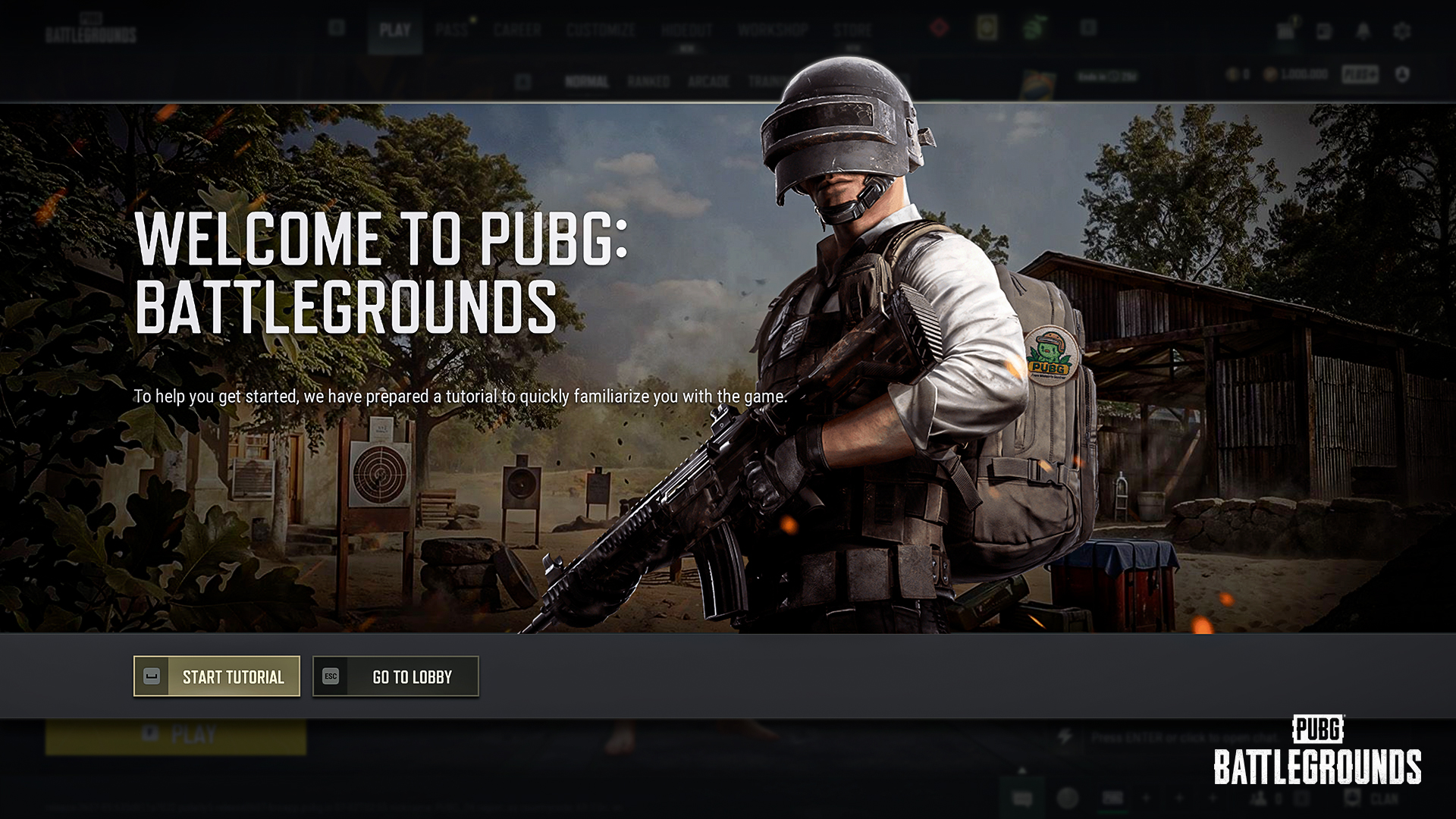
A step-by-step Basic Training has been added for beginners.
Learn the essentials of Battle Royale fast and drop into the Battlegrounds fully prepared!
How the Basic Training Works
You can enter the Basic Training the same way as before, via Play → Training → Basic Training
In each chapter, an NPC partner will play alongside you, providing voice and radio message guidance and helping you complete your objectives
The tutorial consists of 17 chapters. Complete every checklist item in a chapter to advance to the next one. If you are eliminated during a chapter, you will restart that chapter from the beginning
Upon clearing each chapter, you will receive a total score based on your checklist results, which determines your Clear Rank (B/A/S/S+)
When you return to the Lobby after completing a chapter, rewards will be granted based on your Clear Rank
Training by Chapter
| Chapter | Training |
|---|---|
1 | Basic movement controls |
2 | Boarding the plane and landing by parachute |
3 | Obtaining a weapon and ammo, reloading, shoulder aiming, aiming down sights, and firing |
4 | Shooting and eliminating enemies (1st) |
5 | Looting a death box and equipping attachments |
6 | Shooting and eliminating enemies (2nd) |
7 | Avoiding the Blue Zone |
8 | Using throwables |
9 | Equipping armor |
10 | Using healing and boost items |
11 | Communicating with Radio Messages |
12 | Securing supplies from a care package and equipping a weapon |
13 | Shooting and eliminating enemies (3rd) |
14 | Reviving a teammate |
15 | Retrieving a Blue Chip |
16 | Driving a vehicle and recalling a teammate at the Blue Chip Tower |
17 | Shooting and eliminating enemies (4th) |
Developer's Comment: As shared in the 2026 Roadmap, this update introduces a new in-game Basic Training for players who are new to PUBG.
With the previous tutorial, players unfamiliar with the battle royale genre could still struggle to settle into the game. To address this, we built a dedicated Basic Training space where players can experience PUBG’s core systems step by step. This Basic Training goes beyond basic control guidance, creating a natural flow from learning to practice to combat in an environment that closely mirrors actual gameplay. Taking about 10 minutes to complete, it teaches the essentials players will need in real matches, from basic controls to surviving the Blue Zone, driving vehicles, and team play such as reviving and recalling teammates.
During the Basic Training, a “partner” NPC pairs up with the player as a duo, providing situational coaching through voice guidance and Radio Messages. Voice guidance will be available in supported regional languages. Where local voice-over is unavailable, English voice-over will be paired with local-language subtitles.
Linked with the Beginner Training system, the tutorial is designed to be more than a one-time experience. Clear Ranks (B/A/S/S+) have been added to encourage repeat play and help players gauge their readiness for real matches.
We will continue improving the onboarding experience so that players new to PUBG can step into the game more easily.
Alongside the Basic Training Revamp, Beginner Training has been added to help new players get up to speed quickly.
Complete missions to get a feel for the Battlegrounds and earn a variety of rewards!
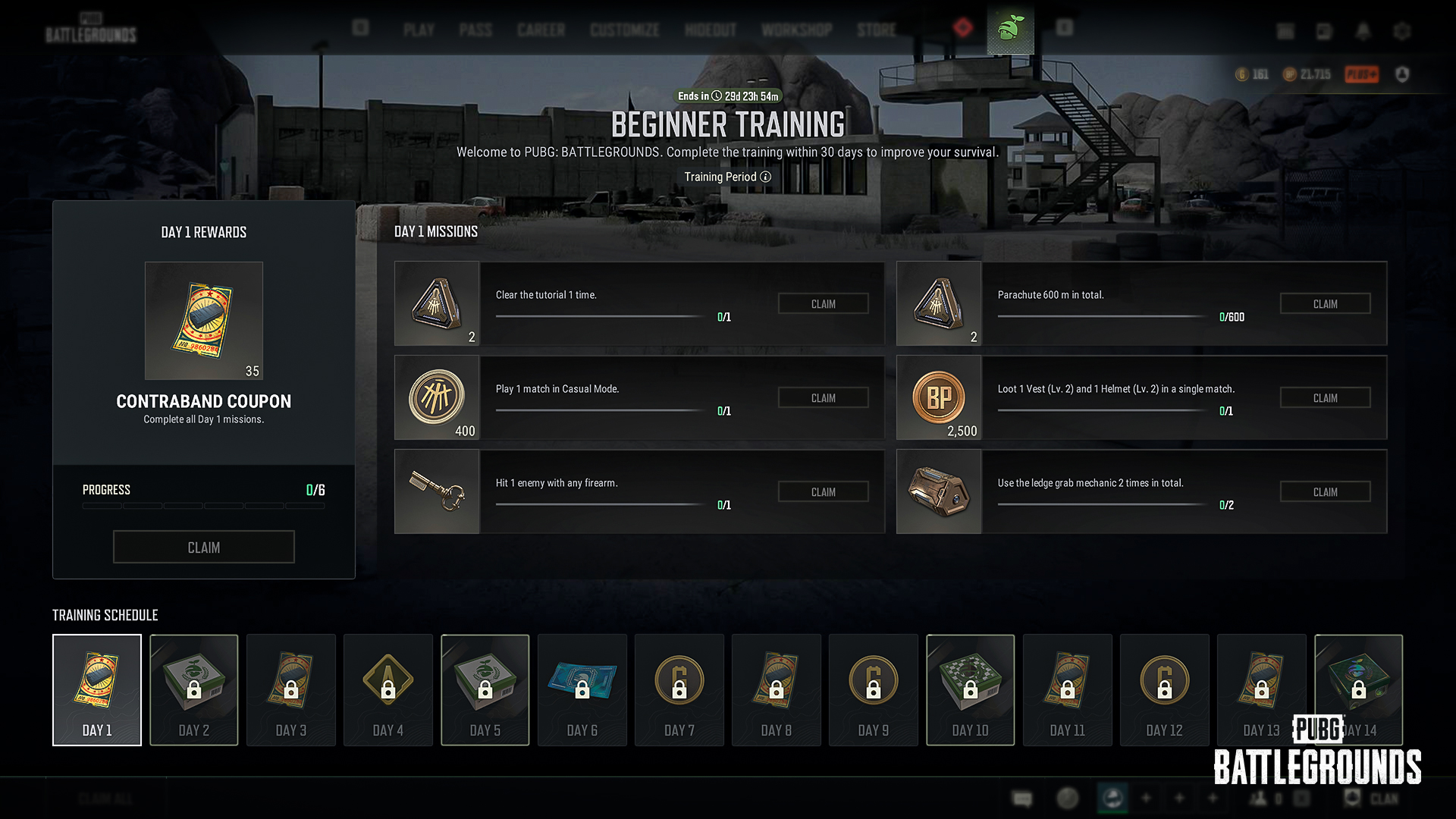
About Beginner Training
You can enter Beginner Training from the Beginner Training menu at the top of the Lobby
Beginner Training is available to all players, not just new players
Missions begin the first time you enter the Lobby after Update 42.2, with new missions given each day
Missions are provided through Day 14, and all missions must be completed within 30 days of starting Beginner Training. After 30 days, rewards can no longer be claimed
You will earn a reward each time you complete a daily mission, and completing all missions for that day will grant an additional reward
Any previously unclaimed tutorial rewards will no longer be available after Update 42.2 goes live, so be sure to claim them before the update
As announced in a separate notice (link), Graphics Mode options have been improved as the first step toward a better gameplay experience for console players. We’ll continue enhancing the console play environment going forward, so stay tuned.
Graphics Mode options are now available to support a higher-quality gameplay experience
Resolution Priority (Default)
Prioritizes image sharpness and graphical detail while maintaining stable performance at up to 60 FPS
Available on all display environments
Framerate Priority
Prioritizes smoother visuals and more responsive controls, supporting up to 120 FPS
Available only on displays that support high refresh rates (120Hz or higher)
Graphics Mode options can be set on Xbox Series S, Xbox Series X, PlayStation®5, PlayStation®5 Pro
※ This improvement applies to both PC and Console.
Improved page navigation speed for certain out-game pages
On the Inventory screen, the Radio Message input has been changed from L3 to R3. As a result, actions previously mapped to R3—using items, equipping or swapping weapon attachments, and switching slots—now use L3. Changing weapon slots and accessing Starting Island outfit presets now require holding L3
While driving, the input for switching between Driver and Aim modes has been changed from R3 (hold) to pressing R3 twice
In Preset Type C, the perspective-switch function previously assigned to R3 (hold) has been changed to D-pad Left (hold)
When you open the World Map on console, you can now move the virtual cursor with the R Stick and press R3 to place markers and use other functions
When using a custom preset, you can now assign your own inputs for the two functions below. No default inputs are assigned, so feel free to map them to your preferred buttons
Show/hide teammate pings and waypoints
Show/hide the flight path
Pressing the B button while the Radio Message Radial is open will now close it
World updates apply to all game modes
Area Updates
Secret Room
The shelving layout in the Secret Room has been changed, and items that previously didn't spawn there can now spawn
Ghillie Suits, Pickaxe, Jammer Pack, Folded Shield, Mountain Bike, Mortar, Repair Kit, M79, Stun Gun, Zipline Gun, and Emergency Cover Flare
The weapon spawn pool has been changed
Added: Vector, ACE32, M24, Kar98k, Micro UZI, UMP, S12K
Removed: K2, VSS, S686
Area Updates
Rondo has been reworked across the map to deliver a better play experience.
New roads have been added to improve traversal routes, and the water depth in certain areas has been adjusted to make them easier to cross
Slight adjustments have been made to certain ridgelines that were difficult to utilize
Underutilized buildings in peripheral areas have been removed
To improve the looting experience, the placement and structure of certain buildings have been adjusted, and new buildings have been added to some areas
Secret Room
Care Package weapons previously had a chance to spawn in each weapon category slot. They now have a chance to spawn only from the dedicated Care Package weapon slot
The weapon spawn pool has been changed
Added: S12K, UMP, MP5K, JS9
Removed: VSS
Hall of Fame
The Erangel Hall of Fame has been updated to celebrate FULL SENSE's PGC 2025 victory.
New Map, Missions, and Match Log tabs have been added to the World Map screen, letting you check a wider range of information all on one screen.
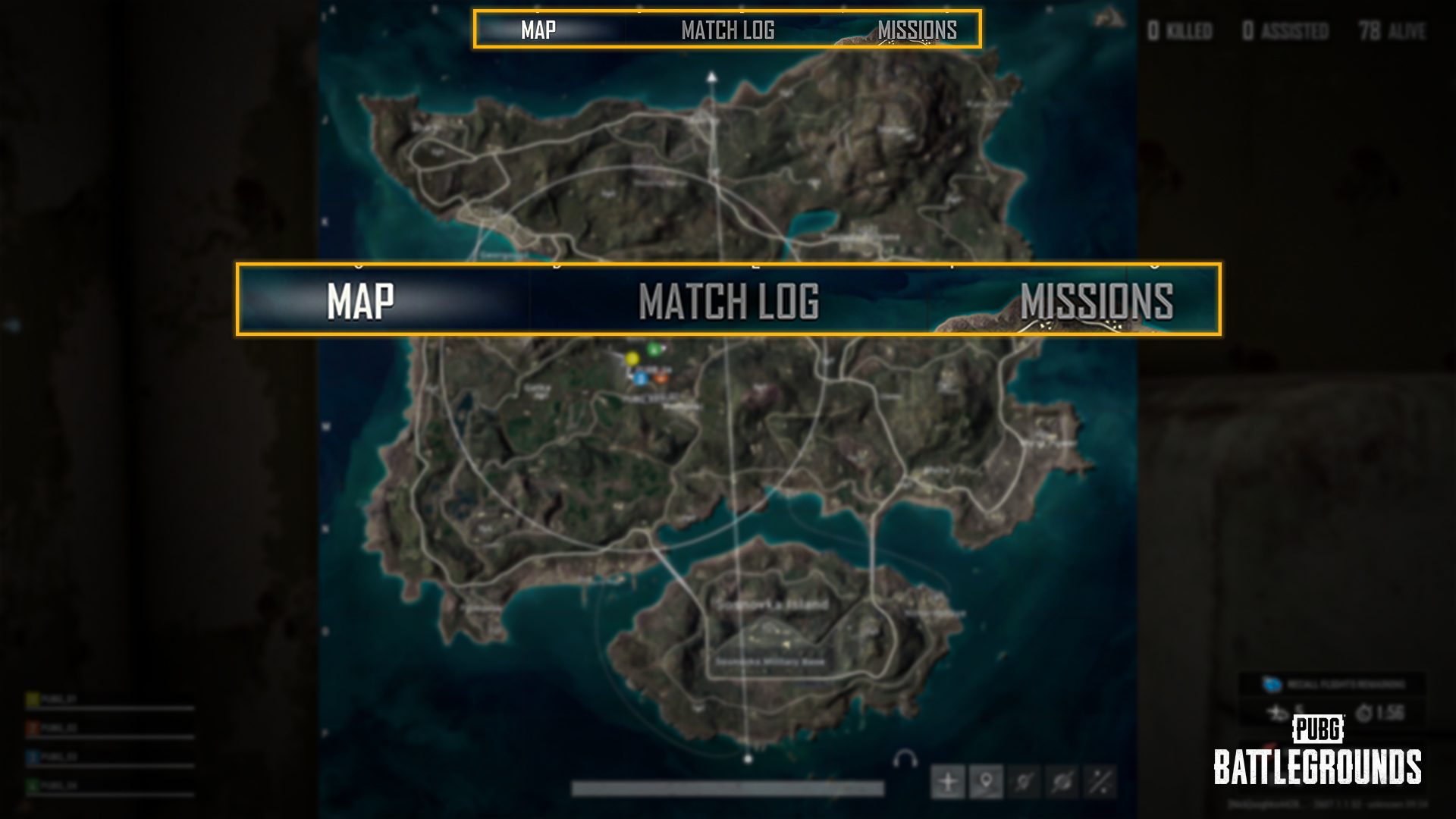
New Map, Match Log, and Missions tabs have been added to the World Map screen. You can switch between tabs to view information, or use shortcuts to bring up each menu directly.
(PC) Shortcuts
Map: M
Missions: U
Match Log: Y
The Match Log and Mission List have been removed from the System Menu accessed via the ESC key.
If M, U, or Y is already assigned to another function within the same key settings category, these keys will default to the Map, Missions, and Match Log shortcuts instead, and their previous bindings will be automatically unassigned and need to be set up again.
If M, U, or Y is also assigned to functions in other categories, all of those bindings will remain active, and pressing the key will trigger every assigned function at once.
When voice chat with teammates isn't an option mid-battle, radio messages and markers have your back! We've improved both to make communication quicker than ever.
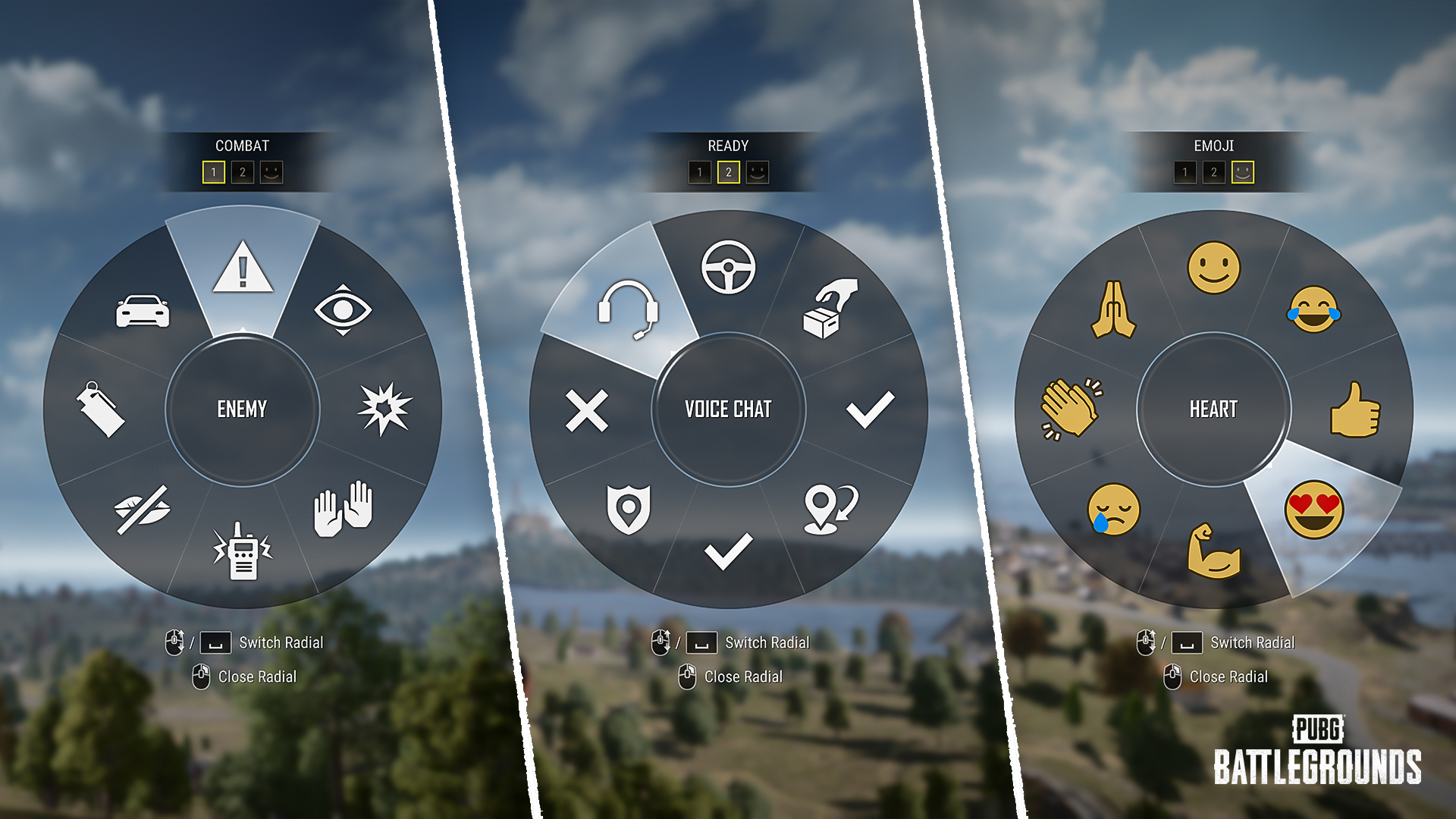
Message Radial: General Improvements
Radio messages, previously shown as text only, are now displayed as icons, with each icon's corresponding message text shown together in the center.
The usability and visibility of radio messages have been improved.
The page layout of radio messages has been reorganized.
The Message Radial now opens more quickly.
Message Radial: World
The page layout of the Message Radial menu has been changed.
Page 1: Combat-related messages
Page 2: Looting and combat prep messages
Page 3: Emoji
When the World Message Radial is opened, Page 1 is shown first by default.
The Message Radial now opens more quickly.
When selecting a marker from the Message Radial, you can now preview its position and appearance before confirming.
(PC) You can now open the Message Radial while aiming or shouldering your weapon.
(PC) You can now crouch, go prone, and lean while the Message Radial is open.
Message Radial: World Map
On the World Map, you can open the Message Radial by holding RMB or holding the Wheel.
While placing a waypoint with Alt + RMB on the World Map, hold the final click to open the Message Radial.
Message Radial: Inventory
Each section of the inventory now opens its own Message Radial.
Weapon, Attachment, Outfit/Gear, Item, Character, Throwable, and Melee sections
Action Radial
The Emote Wheel has been renamed the Action Radial, and you can now inspect your weapon and join group emotes through it.
Inspect Weapon: locked to Slot 1 on the Action Radial
Join Group Emote: locked to Slot 5 on the Action Radial
With this change, Inspect Weapon no longer has its own separate key binding.
Placing a regular marker now notifies your teammates via a radio message.
Markers placed on items are now treated as separate Item Markers.
Item Markers appear and disappear independently of World Markers, and are cleared automatically when the marked item is moved into the inventory, a trunk, or elsewhere.
Pressing the Del key removes both regular markers and Item Markers.
Enemy Spotted markers can now be placed through the World Message Radial as well.
The much-loved Hot Drop Mode makes its return!
Survive the frantic scramble that kicks off the moment you drop in!
Mode Overview
Matchmaking is based on MMR (Matchmaking Rating).
Go to Play > Arcade > Hot Drop Mode to access the mode.
Player Count
PC: Min 24 / Max 64
Console: Min 12 / Max 32
Perspective: TPP
Maps: Erangel, Miramar, Vikendi, Taego
Team Mode: Squad
Squads of 1–3 players are also allowed.
Safe Zone: A very small safe zone forms over a set part of the map. Be aware that it closes in on the center quickly.
Leaving the zone deals heavy damage, and the safe zone closes even faster in the later stages of the match.
When the plane exits the play area, anyone who hasn't jumped yet will be forced to drop.
Special zones such as the Red Zone and Blizzard Zone will not appear.
Vehicles, Care Packages, boats, and trains will not spawn.
Service Period (UTC)
PC
2026/07/15, 00:00 - 2026/07/29, 07:00
Console
2026/07/23, 01:00 - 2026/08/06, 07:00
Get ready for Solo Deathmatch, a new mode with a thrill all its own, unlike Battle Royale!
Dive into the rush of faster, back-to-back engagements that never let up.
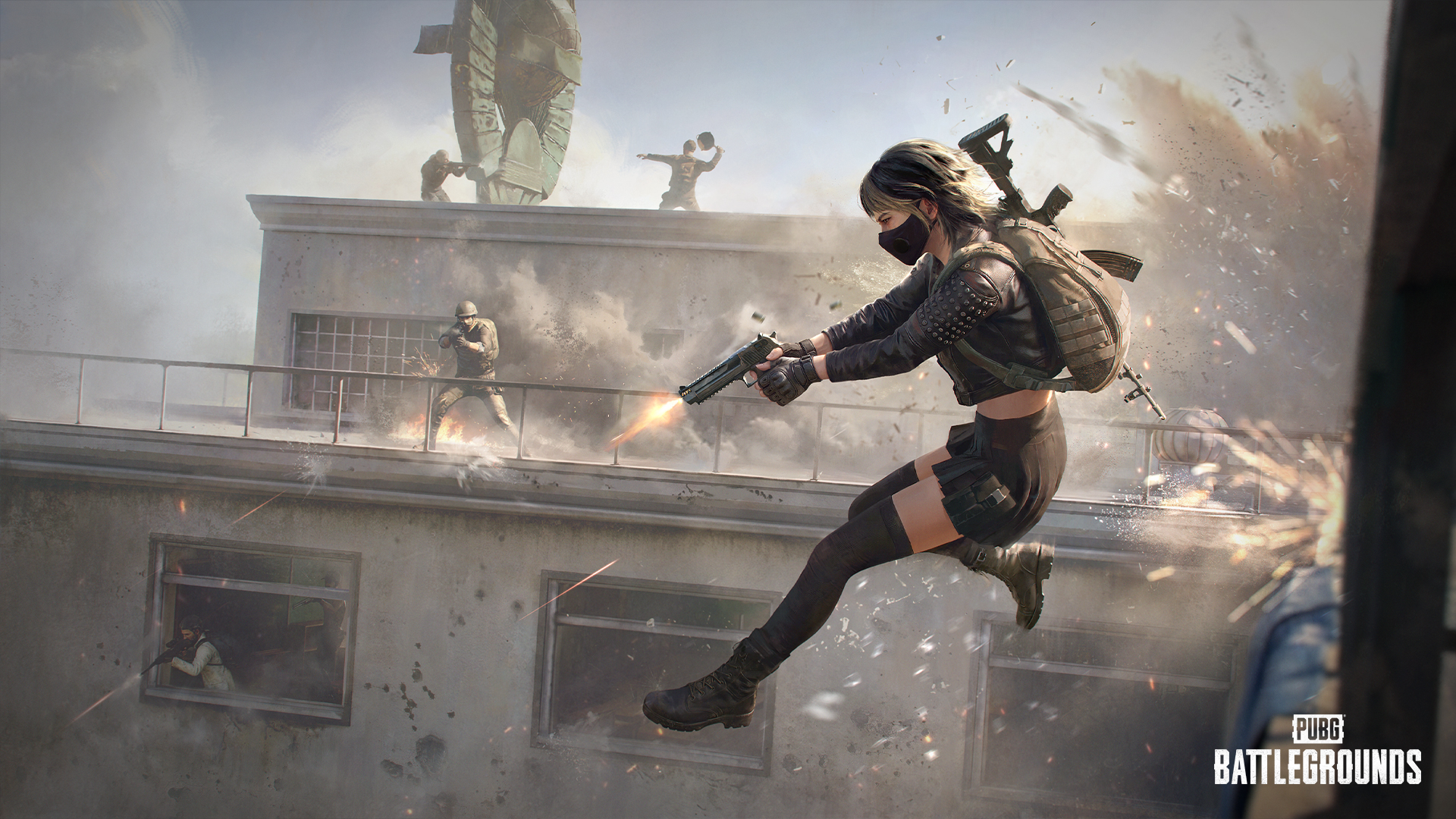
Mode Overview
Go to Play > Arcade > Solo Deathmatch to play the mode. It's also available in Custom Match.
Player Count
PC/Console
Min 10 / Max 14
Perspective: FPP
Maps: Erangel - School / Sanhok - Camp Charlie / Taego - Palace
Earn points based on kills and damage dealt, with bonus points for kill streaks.
Per kill: 2 points
From a 3-kill streak onward, per kill: 3 points
Per 100 damage: 1 point
Each round runs for 10 minutes. The first player to hit 100 points wins, or if no one does until time expires, the highest scorer takes the round.
A Care Package drops the first time any player reaches 20, 40, 60, or 80 points.
When you die, you respawn at a random spot with brief invincibility.
Eliminating enemies fills your boost gauge. After not taking damage for 5 seconds, your health will regenerate, depleting your boost gauge.
You may be placed into in-progress matches, but won't be placed into matches which are nearing completion.
Press M to change your Spawn Kit or check the leaderboard.
A Spawn Kit is a selectable loadout. The Spawn Kit you choose is applied when you respawn or at the start of the next round.
Service Period (UTC)
PC
2026/07/29, 07:00 - 2026/08/11, 23:59
Console
2026/08/06, 07:00 - 2026/08/19, 00:59
(PC) EU Ranked Squad(TPP) Operating Hours Adjusted
Ranked service schedules may continue to be adjusted to improve service stability and overall matchmaking quality.
Operating Hours(UTC)
EU Squad(TPP) : 13:00 ~ 24:00
The secondary password button at the bottom of the Career screen has been removed; you can now set or reset it by using the icon in the top-right corner of the lobby.
Some in-game images, such as the title screen and maintenance screen, have been changed.
The lobby now always displays high-quality graphics regardless of your in-game graphics settings, while in-game graphics can still be adjusted directly in the Settings menu as before.
Optimized the Sanhok map to reduce frame drops.
Improved combat to run more smoothly without stuttering.
A new Contender, Glasya, arrives in PUBG: BATTLEGROUNDS!
Meet the most intense Contender yet, featuring an exclusive Execution animation. For full details, check the upcoming Store announcement.
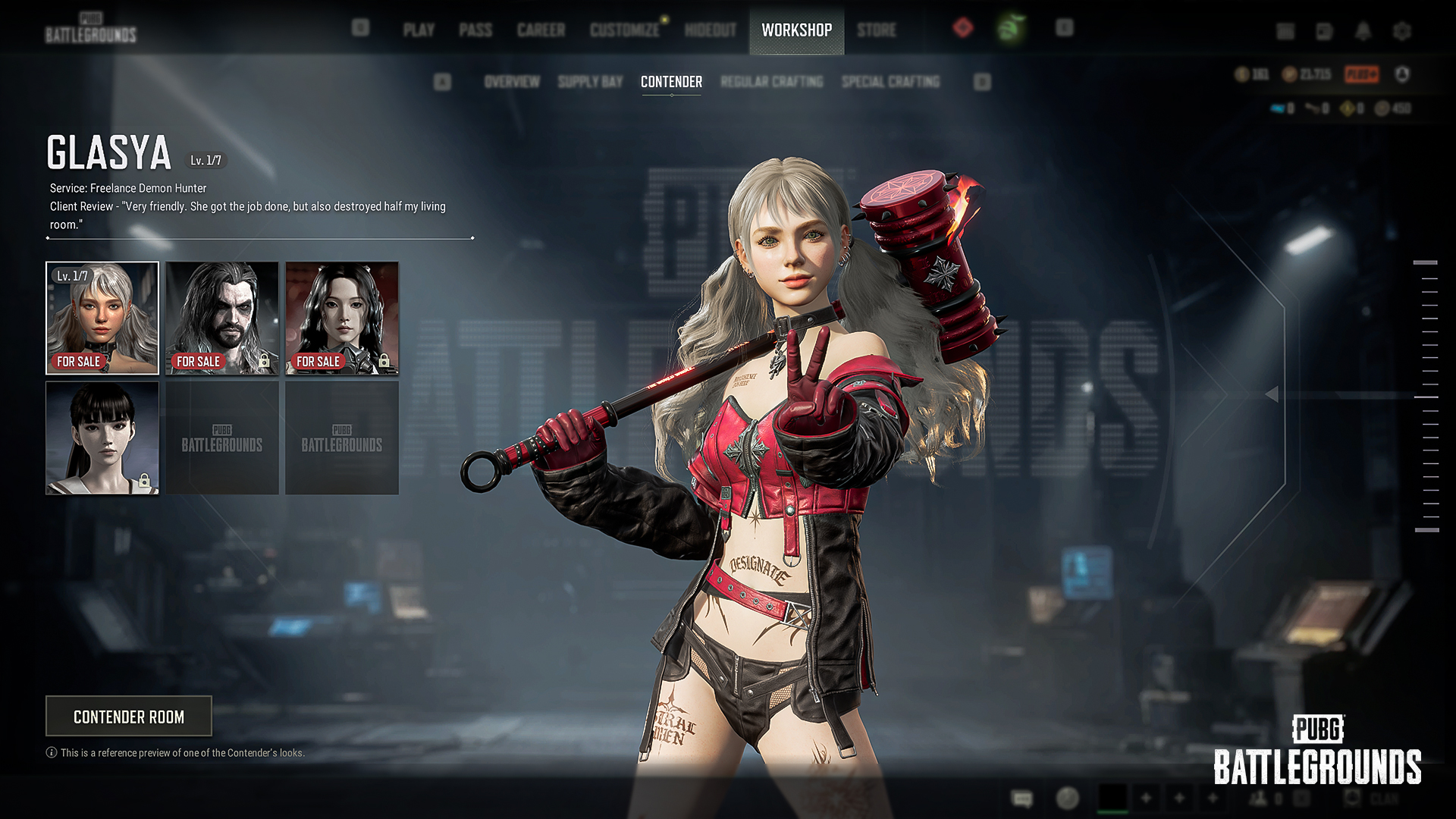
Exclusive Execution Move
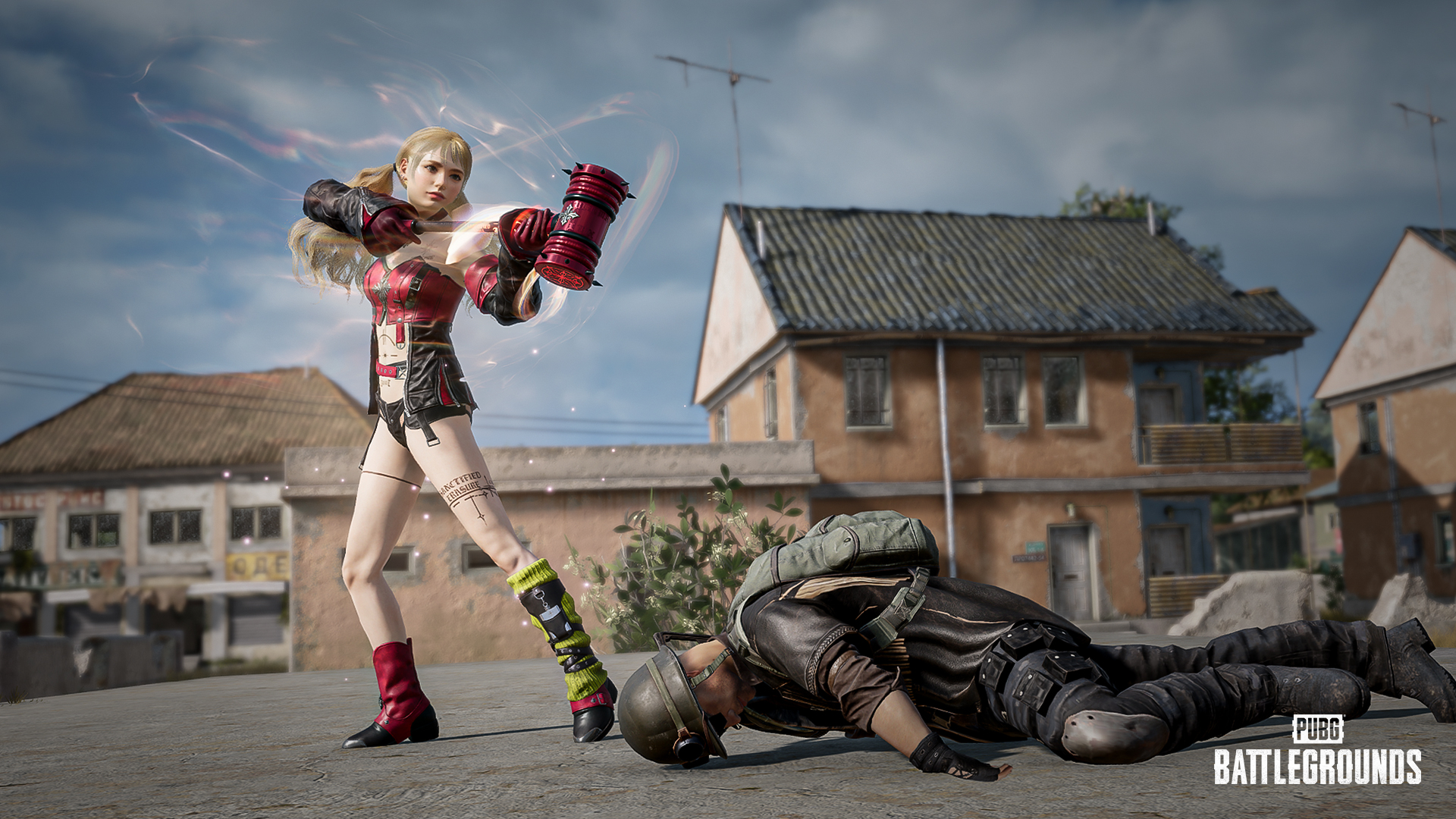
Unlike other Contenders, Glasya can use an exclusive Execution Move upon reaching Level 2.
After reaching Glasya Level 2, equipping a Crowbar while wearing an exclusive melee weapon skin (Final Verdict Hammer or Final Verdict Hammer (Gold)) applies a unique effect to the weapon and lets you trigger Glasya's own special Execution Move on knocked-out enemies.
New item sets have been added to the Hunter's Chest and Archivist's Chest.
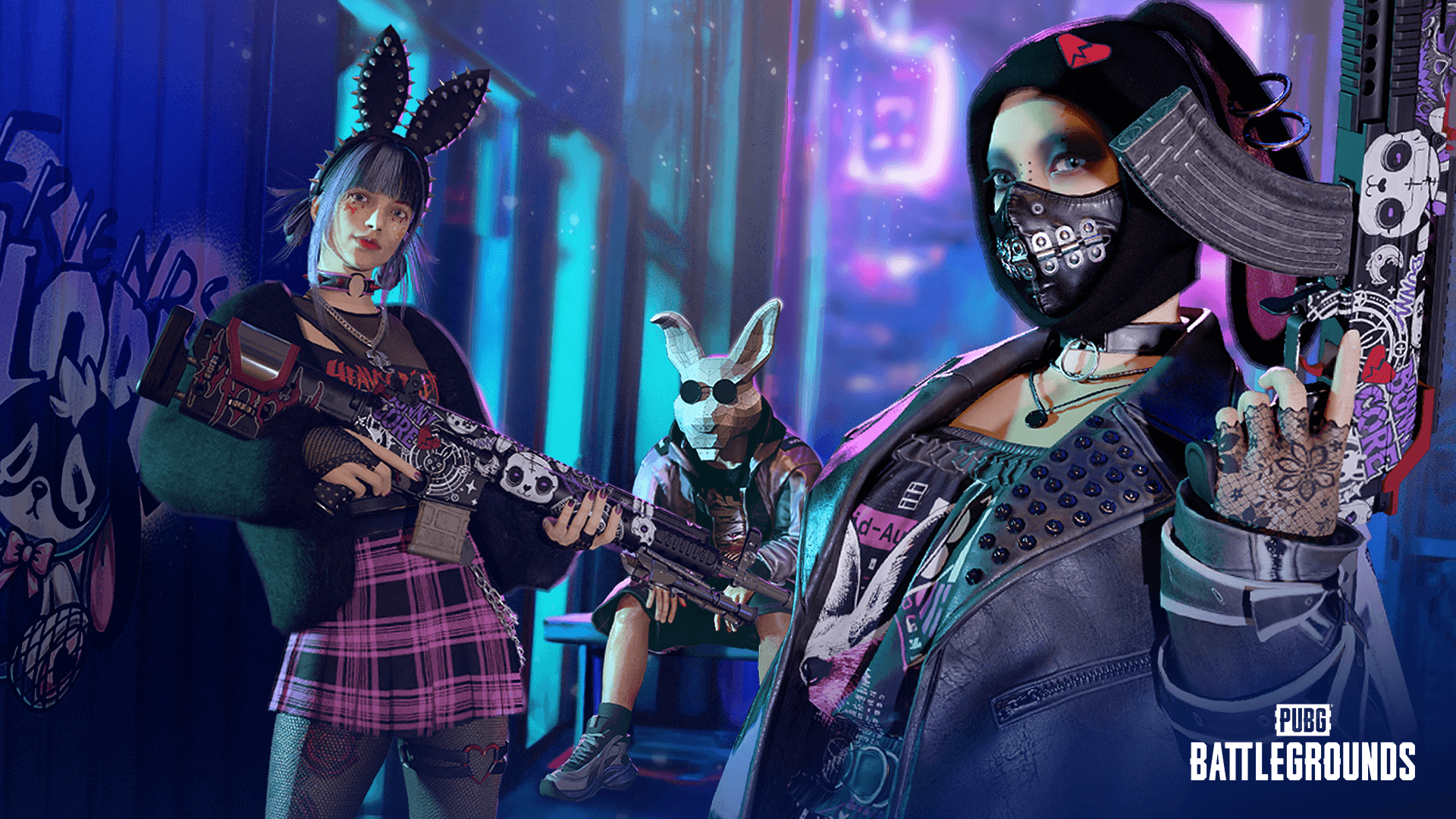
Punk Bunny’s Hoppy Chuseok
Survivor Pass: Donut Debacle
A new Survivor Pass: Just Married is now available! Read more details on the upcoming July Store Update announcement!

Fixed an issue where Contender: Eve's weapon extended slightly beyond its designated area in the inventory.
Fixed an issue where the checkmark on an equipped emote or spray disappeared after restarting the lobby.
Fixed an issue where a warning icon appeared in the pop-up when leaving a match in the Training Ground or Normal Match.
※ Clipping refers to an issue where two objects intersect and one object is obscured by the other.
Fixed an issue where the Nautical Nomad Set icon image was incorrect.
Fixed a clipping issue that occurred when the female character wore the B.Duck Top with the Combo Chaos Shorts.
Fixed an issue where part of the left wrist turned transparent before throwing a throwable while the female character wore the PNC 2023 Striker Jacket with the Lamborghini Legends Gloves.
Fixed an issue where the arrow effect did not work correctly when wearing the Edge Runner Jacket and Edge Runner Mask.
Fixed an issue where part of the hair appeared empty when the female character wore a hat while using NieR:Automata - 9S's Hairstyle.
Fixed a clipping issue that occurred when wearing the Night Stalker Shorts with the PML 2019 Phase 2 Jacket.
Fixed an issue where part of the hair did not display when wearing the Digital Darling Beanie while using the ponytail hairstyle.
Fixed a clipping issue that occurred when wearing a beanie-type hat while using Hairstyle 64.
Fixed an issue where special vehicle skins did not apply correctly in UGC: Racing Mode.
Improved the visual effects of the following weapons to appear more clearly even on low graphics settings.
No Signal - M416, Cosmic Caliber - Kar98k, Time Keeper - M416, Obscura - Mk12